A habit tracker built on Material 3 Expressive, native on Android and now on iPhone. Pick a color and the whole app retunes around it. So does this page. No ads, no account, no data leaving your phone.


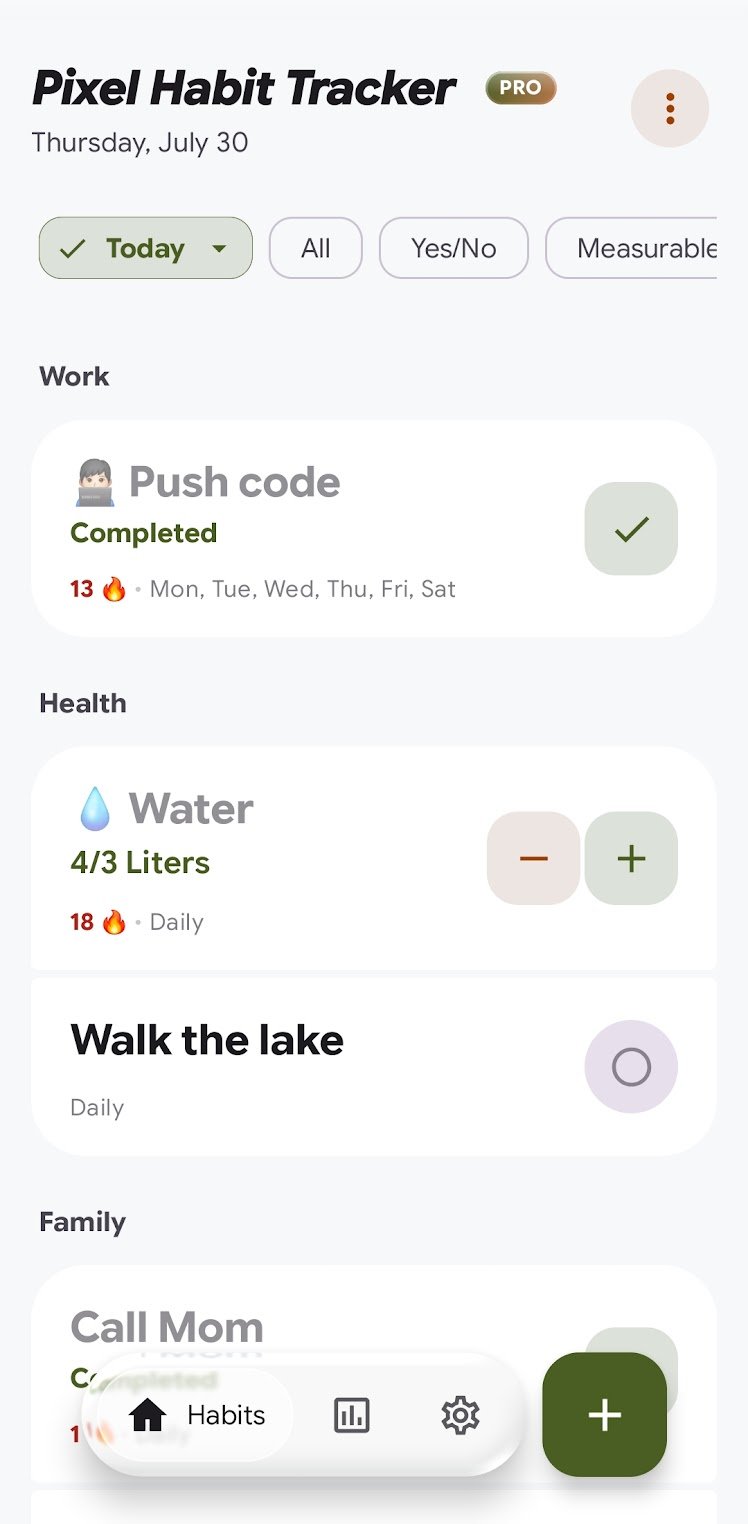
Pick one color and the app works out the rest. The fills, the highlights, and text that stays readable on top of them, in light mode and in dark. Here is what your pick just produced.
On Android it can also take its color straight from your wallpaper. Pro adds five hand-picked pairings if you would rather not choose.
No sign-up, no banner ads, no analytics running in the background. Just the tracker.
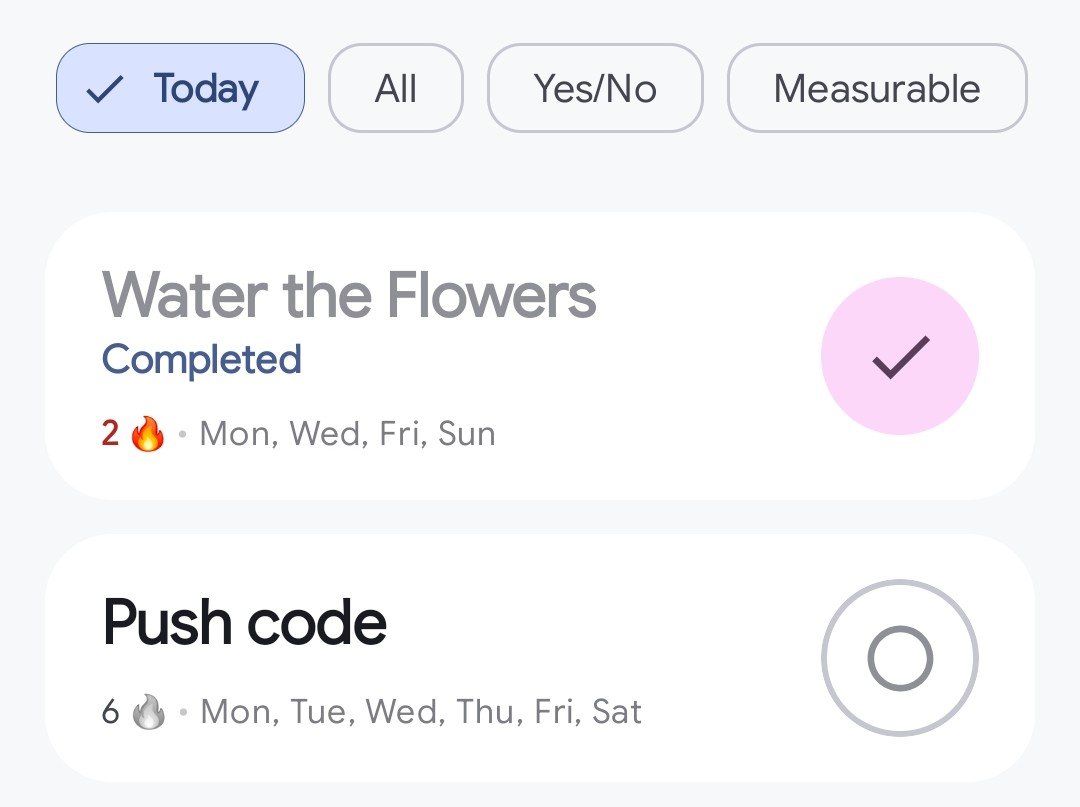
Streaks count against the schedule you set, not the calendar. If a habit runs Monday, Wednesday and Friday, taking Tuesday off changes nothing. You are measured against your own plan.
Or skip fixed days altogether. With Pro you can set a habit to a number of times per week. Four runs, any four days. A week that rearranges itself costs you nothing.
Six months of history sits in one grid. Tap any square to see what you finished that day, down to the quantity. The stats screen puts its findings in order, so a streak about to break rises to the top on its own.
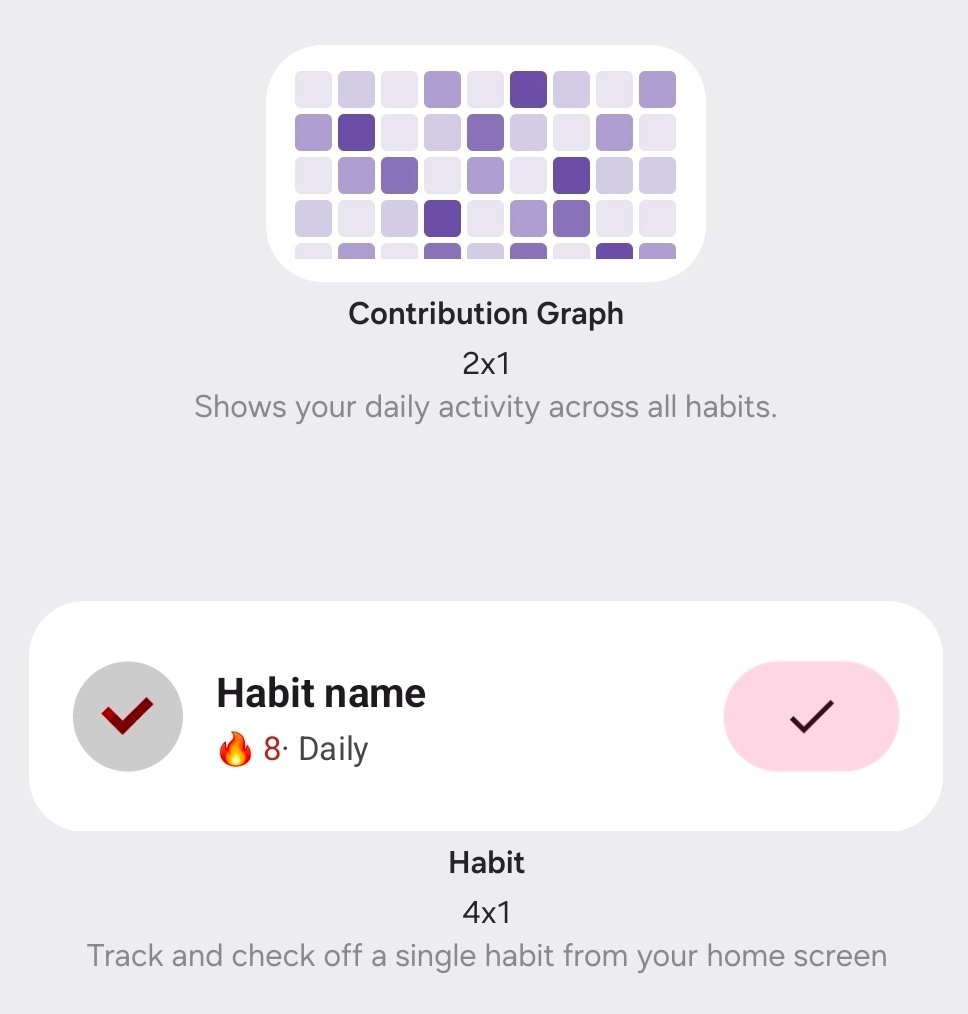
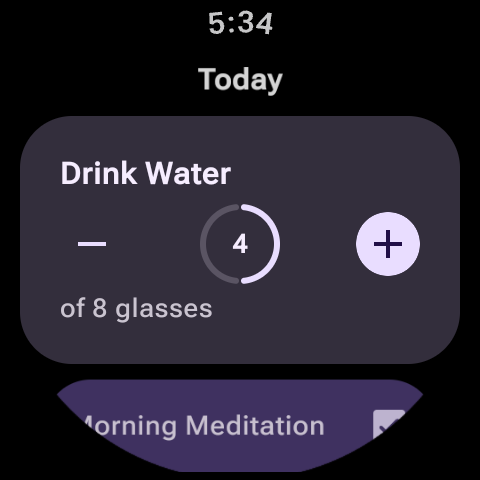
The widgets, the watch app and the tablet layout all pick up the same color. They follow your light or dark setting too.
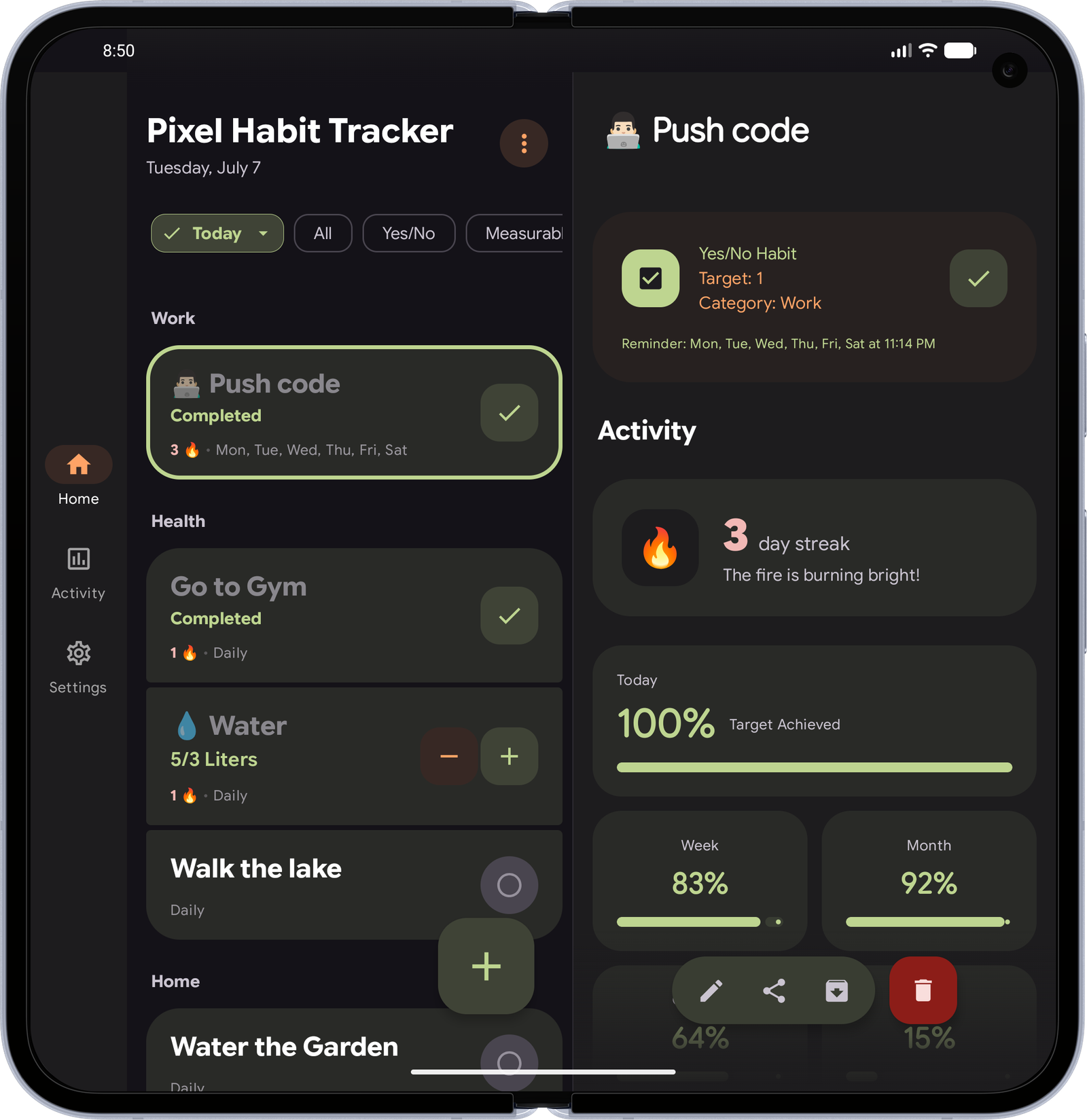 Tablets and foldables Android only · iOS soon
The list stays on the left while a habit's full history opens on the right.
Tablets and foldables Android only · iOS soon
The list stays on the left while a habit's full history opens on the right.
Extracts from reviews left on Google Play.
I have been searching for the best habit tracking app for years and finally I reach this gem. The interface is so easy to understand and clean.
Best execution of Material 3 Expressive I've ever used in an app. Clean, Minimal and Smooth with Plenty of features packed without overwhelming user.
The animations are so fluid. Widgets are great. Notification feature helps me to track habits effectively.
After hopping over 10s of habit tracking apps this one is what satisfied me… It is simple but able to do the job well.
I really love the Material 3 design! The animations are also really well done.
1,000+ downloads on Google Play. Read the reviews
Both versions are ad-free and offline. Pro adds more room, and it pays for the next release.
Pro is a one-time purchase, never a subscription. Google Play and the App Store set the price separately for each country. You see the exact amount in the app before you confirm.
Avoid them. Modified "Pro APK" files from third-party sites frequently carry malware, adware or spyware. The real Pro upgrade is a one-time in-app purchase through Google Play or the App Store. Your updates keep coming from a source you can trust.
No. It is a one-time purchase, with no monthly, yearly or hidden fees. Upgrade once and you keep flexible weekly goals, App Lock, unlimited categories, monthly reports, 365-day history, two-tone themes and custom icons for good.
All logs and settings sit in a local database on your device. Nothing is uploaded to a server. The app can back your habits, logs and settings up to a single file, and restore them whenever you want.
Streaks follow a habit's scheduled days rather than consecutive calendar days. Schedule something for Monday, Wednesday and Friday, and skipping Tuesday and Thursday will not break it. Pro adds weekly goals on top. Aim for a number of times per week, and it counts whichever days you get it done.
Yes, on iPhones running iOS 26 or later, with the same design, streaks, reports, App Lock and one-time Pro. A few things are Android only for now and coming to iPhone later: the watch app, Liquid Glass navigation, the tablet and foldable layout, and the full set of seven widgets. iPhone gets a Today widget and a Lock Screen widget. iOS does not let apps read the wallpaper, so that color option stays on Android.
Not automatically. Google Play and the App Store handle purchases separately, and the app has no accounts that could link the two. Pro unlocks on the platform you bought it on, so moving to the other one means buying it again there. It is still a one-time purchase on each.
Pro belongs to the Google or Apple account you bought it with. Sign in to the same account on the new phone, install the app, and Pro comes back on its own.
Yes. Both versions use the same backup file. Make a backup in the settings on your old phone, send the file to the new one, and restore it there. Your habits, logs and settings come across intact.
Android phones running Android 8.0 or later, and iPhones running iOS 26 or later. The Wear OS app and the tablet and foldable layout are on Android only for now.
The app generates a full tonal palette from one seed color, following Material 3 Expressive. On Android 12 and up it can take that seed from your wallpaper automatically. Pro adds five hand-picked presets that use a second seed for the secondary and tertiary roles.
Free on Google Play and the App Store. No account, no ads, no subscription.